Insert Part
In the following, you will learn how to build calculation structure for "Motor Shaft". The calculation valuation must be set to "*Aggregate Costs". A part (piece) is then inserted as local calculation element. The estimation costs are entered for this part.
-
Select the *Aggregate Costs valuation in the Details view > Assumptions view scheme
 (combobox) of the calculation.
You can insert calculation elements to build a calculation structure.
-
Insert a
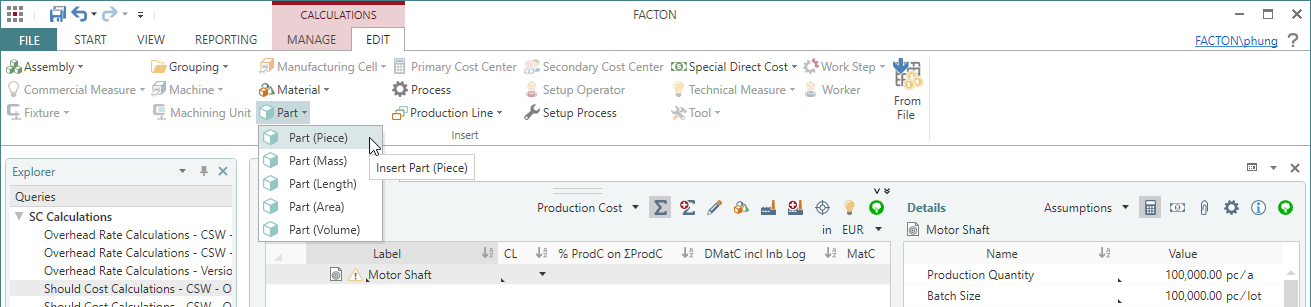
 Part (piece) into the calculation structure.
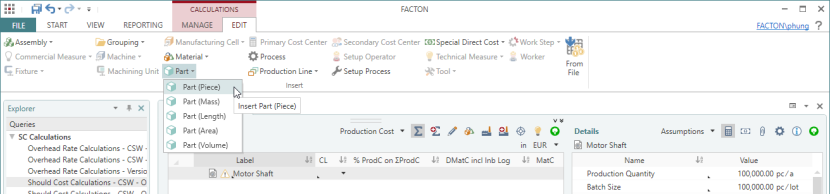
- In the Details view > General Properties
 view scheme (combobox), enter values for the following properties:
Name Motor Shaft Material Classification Basic Material > Metals Steel > Alloyed Steel / Construction Steel / Chemical Resistant Steel Manufacturing Method Separating > Chipping with Geometrically Determined Cutting Edge > Turning -
In the Details view > Calculation
view scheme (combobox), select the Estimate Costs valuation.You can directly enter cost values. For a more detailed cost estimation you can activate the "Estimate Details" checkbox.
-
Enter the following estimation costs in the Details view > Calculation
view scheme (combobox):Valuation Estimate Costs Estimate Details 
Raw Material 0.20 EUR / pc Machine Cost 0.70 EUR / pc Labor Cost 2.40 EUR / pc Allocation of Investment Costs for Tools 0.10 EUR / pc Allocation of Investment Costs for Fixtures 0.10 EUR / pc Miscellaneous Special Direct Manufacturing Cost 0.90 EUR / pc The production costs are calculated on the basis of these estimated costs and the assumptions for the target cost calculation.
 Next step: Create Cost Calculation (Valuation: *Aggregate Costs Σ)